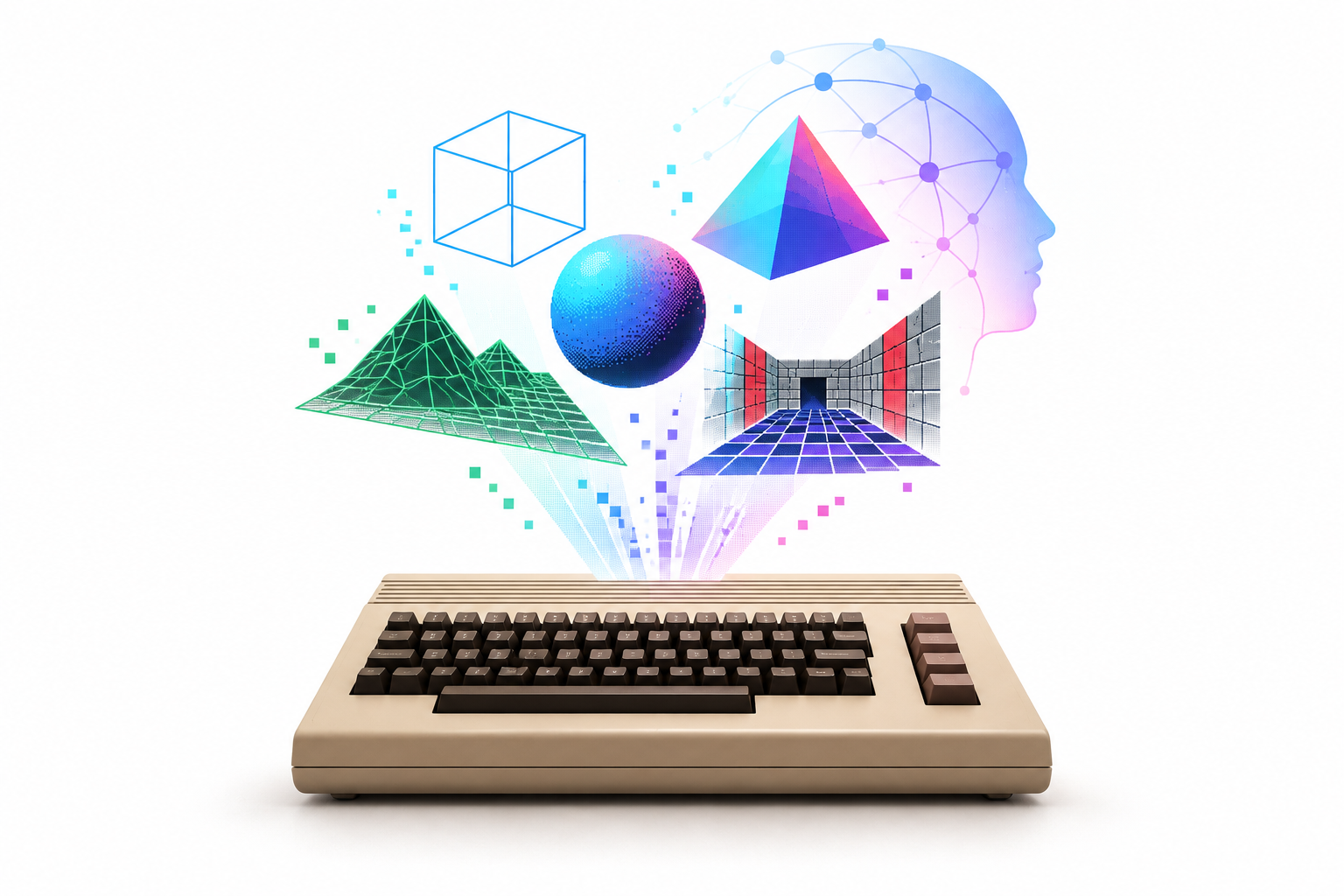
Can AI help build new three-dimensional worlds on Commodore’s 8-bit machines? 3Dvibe64 grew out of that question: a journey from wireframe to Gouraud shading and texture mapping, eventually leading to a 2.5D pipeline designed for the stock C=64 too, and adapted to the C=128, Plus/4, VIC-20 and PET. A story of experiments, compromises and optimizations, in which AI’s possibilities are measured against the concrete limits of the hardware.
Working with generative AI mainly in web development and vibe coding for digital publishing, we soon realized that only a limited number of situations really call for the most powerful models. Their capabilities become valuable when designing a system, analyzing an architecture or tackling particularly stubborn problems; lighter, less expensive models are enough for many everyday tasks. That experience made us curious about taking them into a different field, far from the languages and frameworks that dominate contemporary development. Something more unusual, presumably less represented in their training data: writing a 3D renderer for the Commodore 64.
The initial goal was to create solid polygonal 3D graphics, putting three-dimensional objects with filled surfaces on the screen. The first results encouraged us to raise the bar gradually. The project expanded into increasingly advanced rendering pipelines, built around the C=64’s architecture and treating a SuperCPU expansion as the upper limit of acceleration, at least during the first stage. Each result opened up another possibility: improving the lighting, making volumes easier to read or experimenting with a different treatment of surfaces.

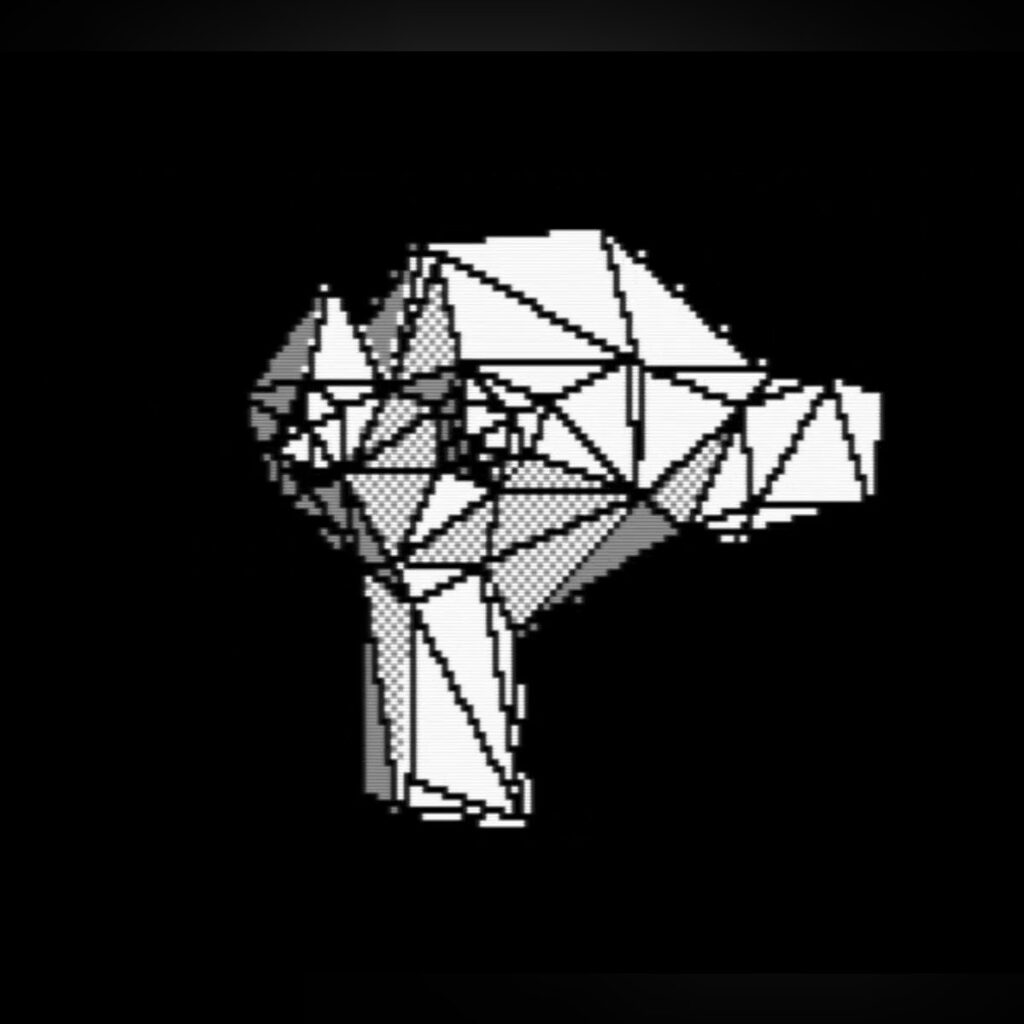


The journey was rather bumpy. We moved from fast, error-ridden images to more accurate rendering whose slowness drained much of the enthusiasm. Fixing a flaw could make a routine too expensive; simplifying a calculation could bring back a problem from another viewpoint. Turning to the most capable AI models, allowing more room for reasoning and the search for solutions, helped us find acceptable compromises between quality and performance. Token costs increased too, of course. Then again, anyone involved in retrocomputing knows how easily technical curiosity can turn into a hobby that weighs on the wallet.
The stock C=64 soon imposed an obvious limit. With its CPU running at around 1 MHz, the more elaborate modes were hard to reconcile with satisfactory speed. Why continue, then, all the way to real-time Gouraud shading and texture mapping? One decisive reason was the existence of the Commodore 64 Ultimate, which officially takes this historic platform up to 64 MHz. That offers a very different amount of computing power from the original breadbin, enough to give a concrete purpose to research into the more ambitious pipelines.
The appeal of this acceleration also lies in its relationship with the video system. More CPU cycles become available to transform, light and draw scenes, while the graphics still have to work within the VIC-II’s characteristics. Colors, image organization and drawing modes therefore retain a distinct Commodore identity. The higher clock speed gives us more room to maneuver, without removing the need to design the renderer around the hardware.
This is how 3Dvibe64 came into being: an engine that scales with the available computing power while staying within the original 64 KB of RAM. Its design lets you define meshes, a camera, a light source, materials and shading processes compatible with the VIC-II’s output. Anyone preparing a scene can choose the kind of image they want to achieve and build the content for the intended machine. Lightweight configurations remain interesting for the historic C=64; more demanding ones find the room they need mainly on accelerated machines.
The engine can be used to create demos or as the graphics component of 3D games. Choosing a pipeline therefore becomes part of the project, alongside the complexity of the models and environment. More sophisticated surface treatment comes with an additional cost, which needs to be justified by the visual effect being sought. Wireframe, solid graphics and Gouraud serve different needs: each offers its own aesthetic and a different balance between readability, detail and speed.
As mentioned, that freedom has to fit into 64 KB of RAM. Code, scene data and the structures needed for rendering must all coexist in that space. This constraint influences both implementation and content creation: every choice must fit into the available memory and have a sustainable runtime cost.
This reveals an important difference from many demoscene productions. A demo built around a single effect or a predetermined sequence can take advantage of very precise knowledge of what will appear on screen. Knowing in advance which objects will be visible and how the camera will move allows specialization to go a long way. An engine intended for interactive scenes and worlds must leave room for different configurations and for viewpoints chosen while navigating.
The 3Dvibe64 builder automatically prepares a version of the renderer specialized for the selected scene and mode. Some of the work is therefore done in advance on the modern computer: the necessary rendering paths are selected, useful tables are generated, data is organized and the code that will run on the Commodore 64 is prepared. This lets the 6510 concentrate on the operations actually needed during rendering. The SDK must nevertheless retain some flexibility, because it has to support different productions with their own geometry, camera movements and content. A demo developed around a single effect can go much further in specialization, drawing on precise knowledge of what will appear on screen and which sequences will run. That is why the performance of an engine usable in different contexts and that of an extreme demoscene demo must be compared with their different goals and opportunities for optimization in mind.
This brings us to an essential distinction: 3Dvibe64 handles the graphics component. The runtime is written in assembly for the 6510 and designed around the original Commodore 64’s architecture. Building a complete game means adding the rules, interactions and systems needed for the desired experience. The renderer provides the foundation for showing the world; the production must decide what happens inside it.
The generated code can run without automatically requiring an accelerated CPU. Scene complexity determines whether performance will be adequate on the historic C=64, a machine with a SuperCPU or the C=64 Ultimate. Compatibility and smoothness remain two separate issues. Seeing a demo start on the breadbin confirms one part of the result; assessing how enjoyable it is to watch or control requires a separate test.
There is therefore no ready-made construction environment or game logic like that of the famous 3D Construction Kit. Does this limit access to assembly and Commodore 64 experts? Vibe coding offers a route for people who want to experiment with AI assistance too. The same approach used to develop the engine can be applied to building new demos, starting from the SDK’s files and conventions.
You can give an AI environment, such as OpenAI Codex, Google Antigravity or Claude Code, the complete project package, including as a ZIP, together with its documentation and a description of the desired result. Access to the source code, configurations and resources allows the AI to examine the project’s structure and work with formats, options and examples that are actually supported. An environment capable of reading and modifying files, compiling code and running tests lets changes be applied and verified directly in the project, making the process more tangible than a simple chat that returns code fragments.
The package, source code, examples and documentation are available in the 3Dvibe64 repository, where the distributions released on GitHub can be downloaded.
It is best to start with a minimal scene, check that it works and gradually add to it. This makes it easier to understand which change introduced a fault or increased rendering time. Once the production takes a definite shape, the AI can also suggest specific optimizations, exploiting constraints that the general-purpose engine has to leave open. A scene with well-defined characteristics offers further opportunities for specialization beyond those provided by the standard path.
Verification is an essential stage of development, because generating and compiling code successfully says little about the quality of the final result. At least three separate aspects need checking: that the program works, that rendering produces correct images in every expected situation and that performance is appropriate for the target machine. An error can remain invisible from one viewpoint and appear only when rotating the camera, approaching a wall or crossing a particular part of the scene. Likewise, an apparently correct demo can become too slow as soon as the environment grows more complex. Development therefore proceeds through continuous cycles of modification, compilation, testing, image comparison and execution-time measurement, checking each change under the same conditions to understand exactly what has improved or worsened the result.
The available 3D rendering pipelines are:
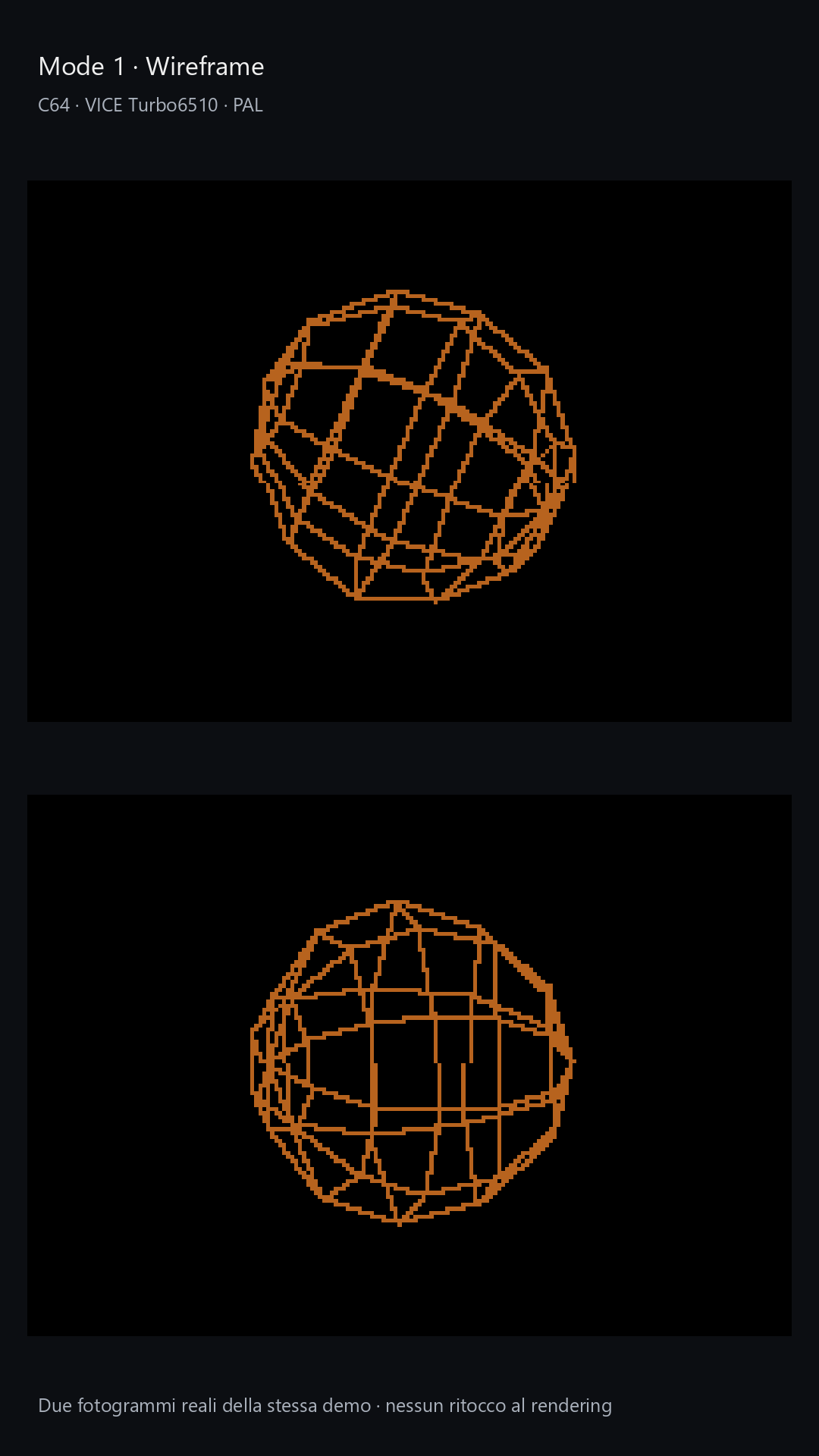
- Mode 1: Wireframe. Draws meshes through their edges, without filling surfaces and with hidden lines still visible. It is the most basic reading of the geometry, with the wire-like appearance associated with the early days of 3D on home computers.
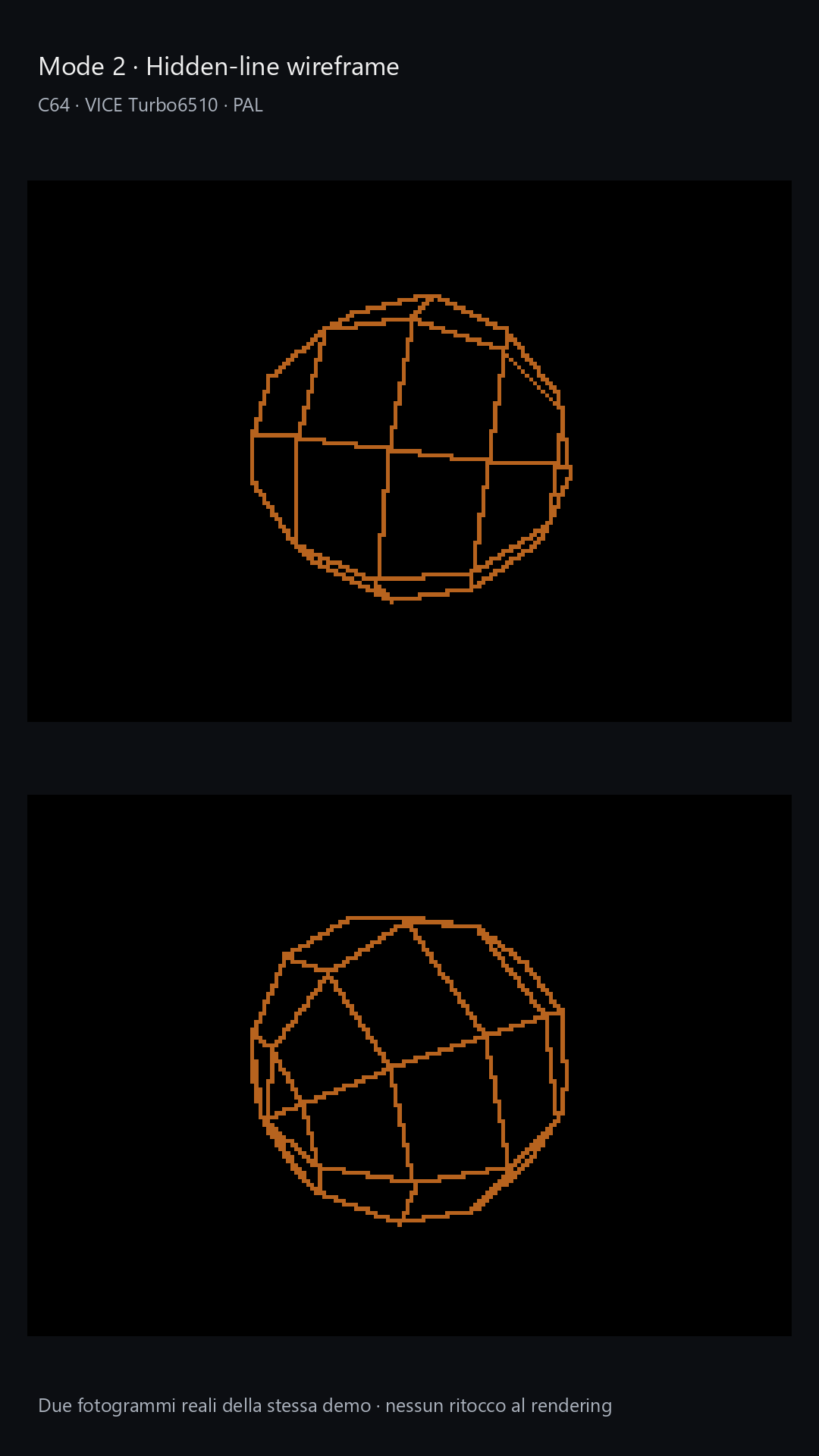
- Mode 2: Hidden-line wireframe. Retains edge drawing while masking the portions hidden by surfaces. Volumes become clearer and the image avoids indiscriminately overlaying front and back lines.
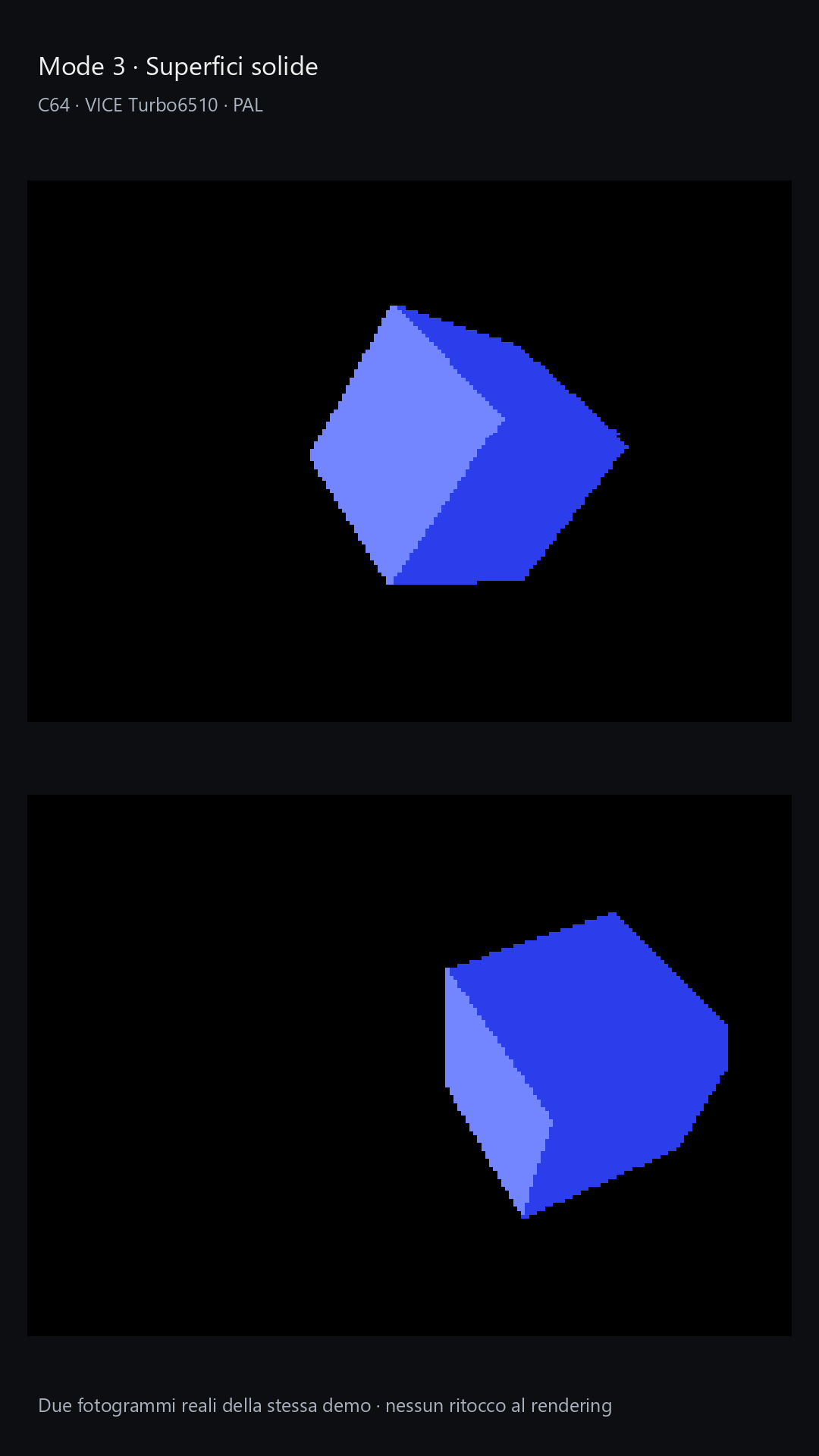
- Mode 3: Solid graphics with static shading. Fills faces without calculating the dynamic lighting used in later modes. It offers a distinctly polygonal appearance and an immediate distinction between the model’s surfaces.
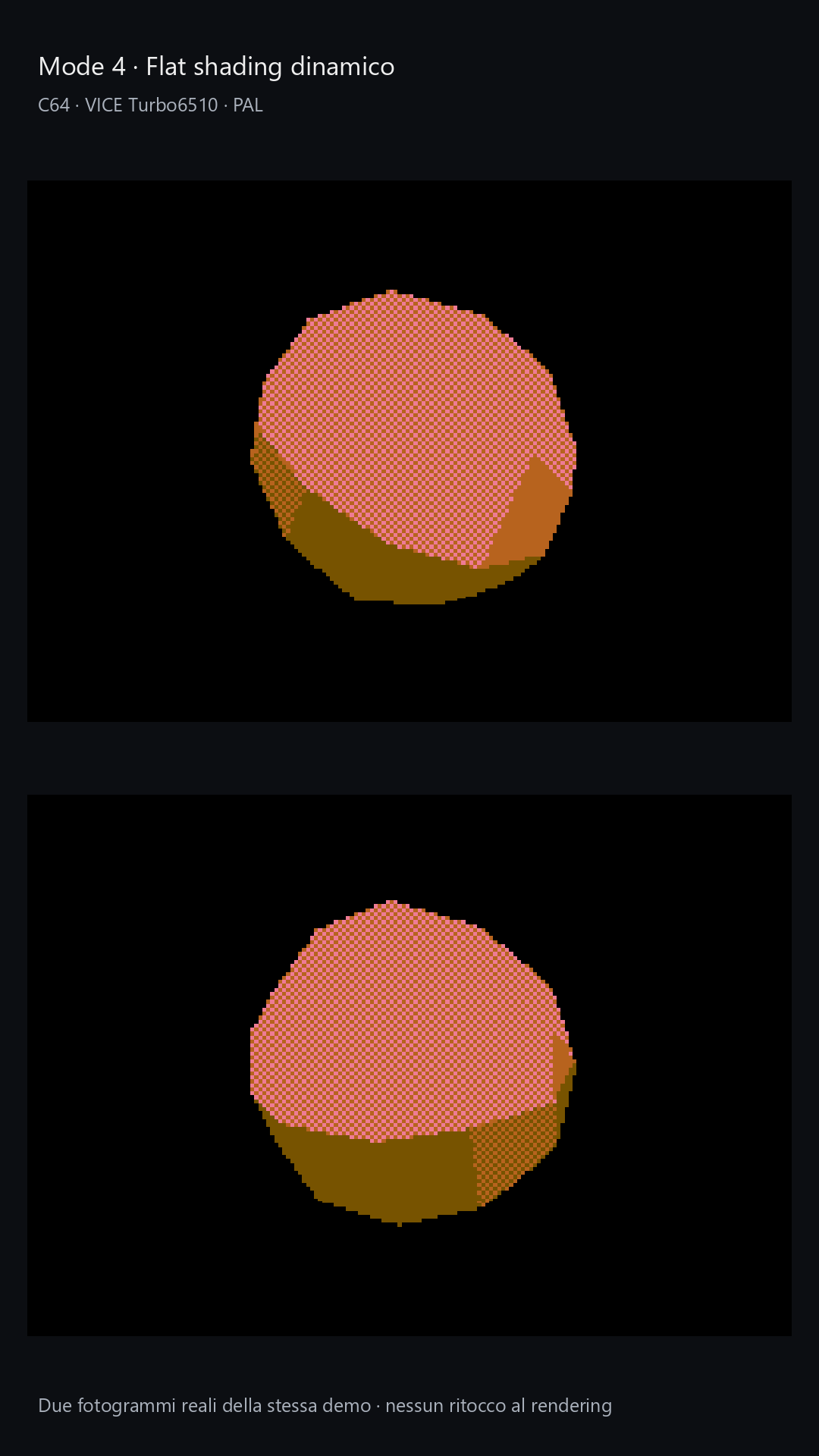
- Mode 4: Dynamic flat shading. Calculates lighting per face, with materials and reflectivity. Each surface maintains a uniform shade, while its response to light helps convey orientation and volume.
- Mode 5: Dynamic flat shading with outlines. Uses the Mode 4 pipeline and adds polygon edge drawing. The outlines emphasize the objects’ geometric construction and give the image a more pronounced character.
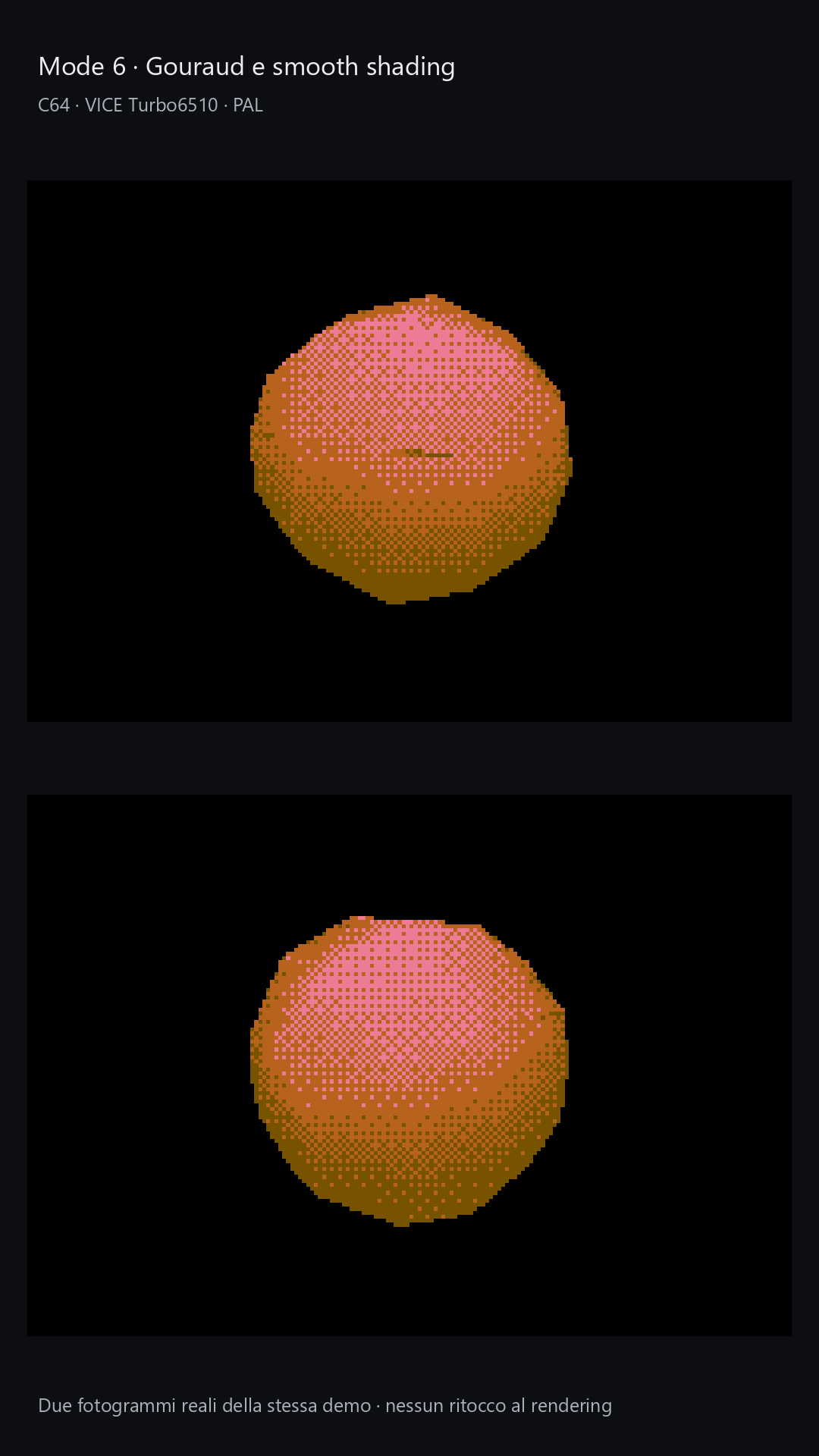
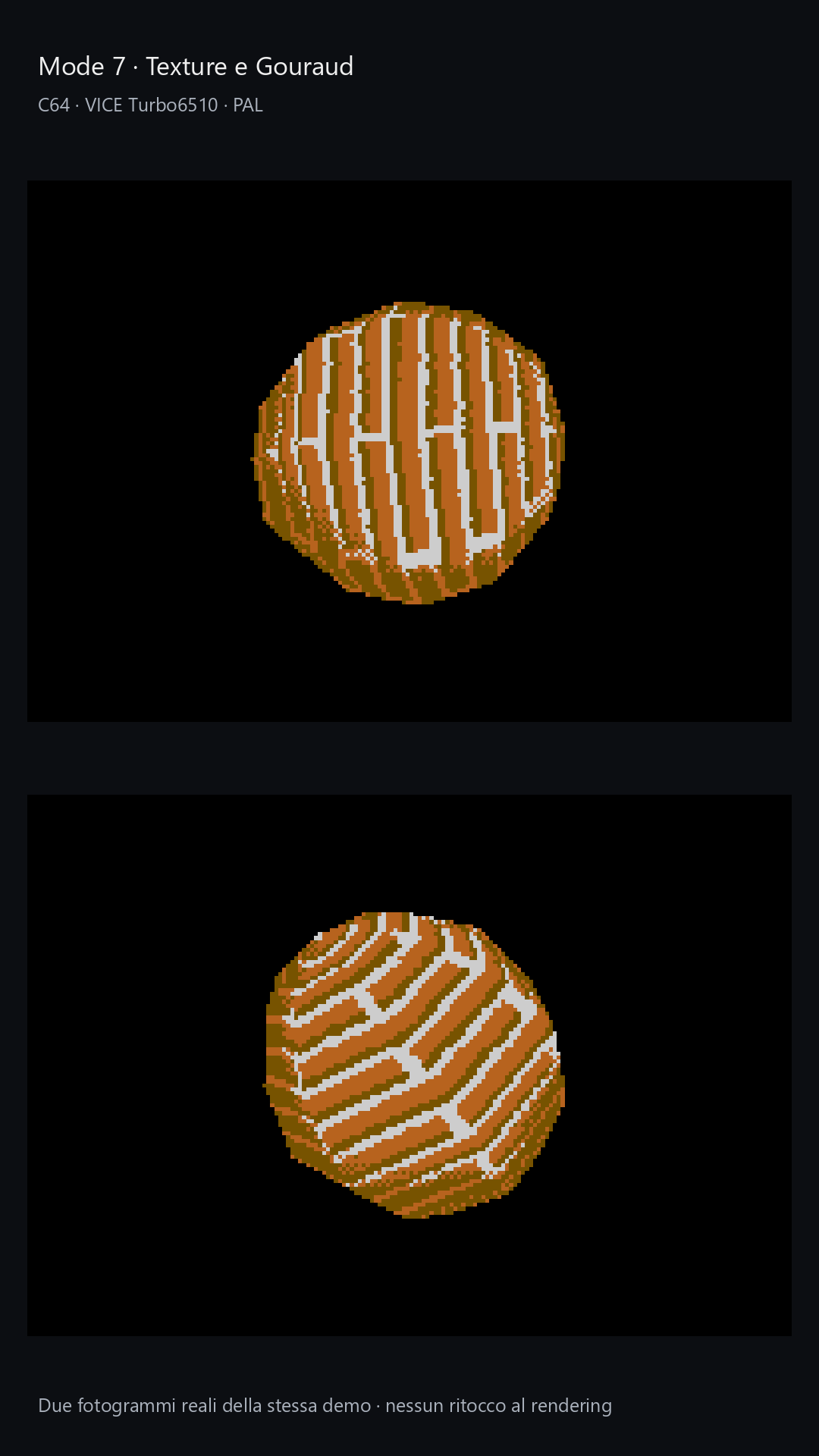
- Mode 6: Gouraud shading. Calculates lighting at the vertices and interpolates it across surfaces, with 33 shading levels and Bayer 4×4 ordered dithering. Smoothing reduces the lighting separation between adjacent faces without changing geometry or silhouette. The light becomes softer, while the outer profile still depends on the model’s polygons.
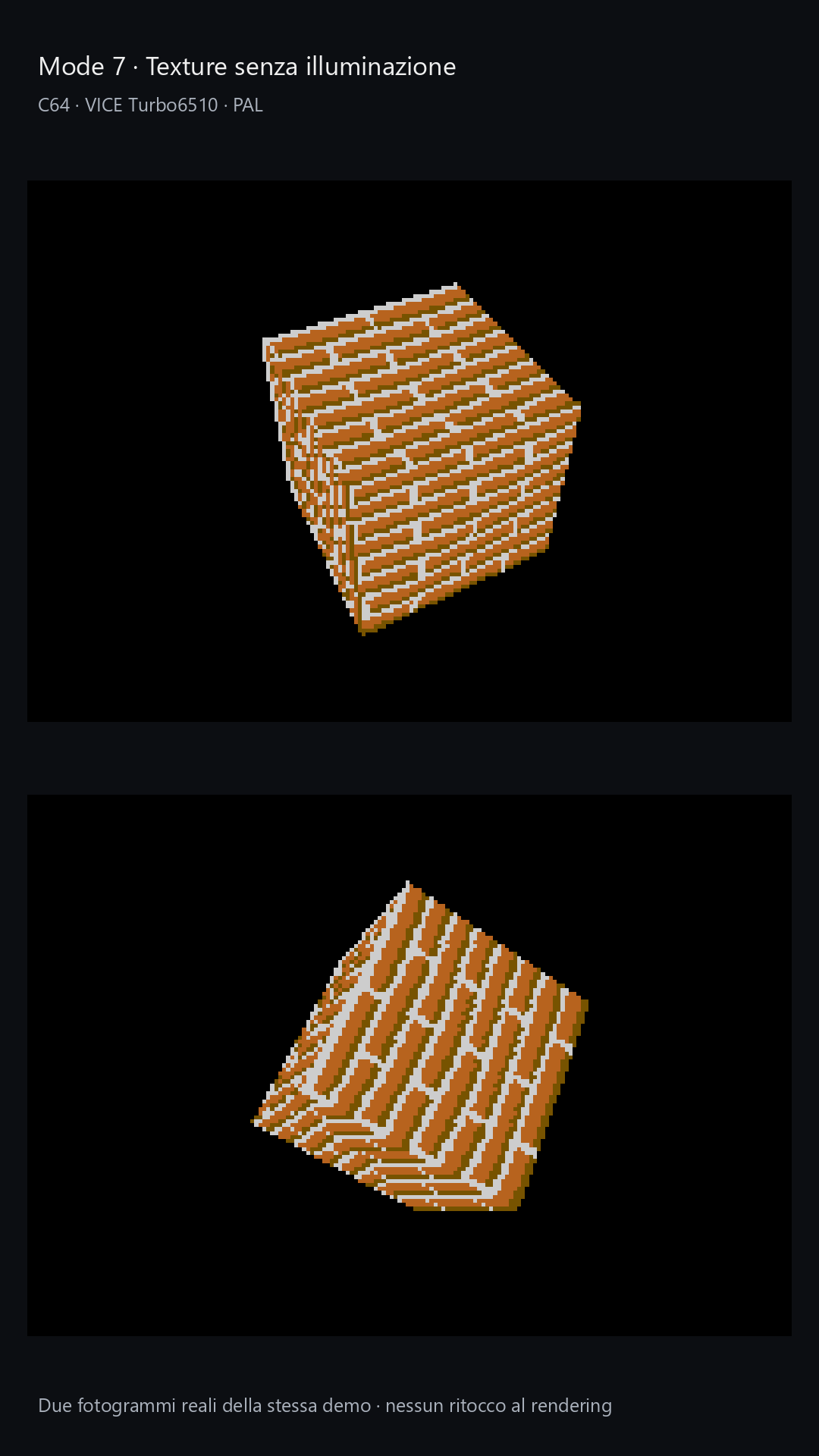
- Mode 7: Affine texture mapping. Applies 16×16 textures with nearest-neighbor sampling, usable without lighting or with flat or Gouraud shading. Mapping is affine, without perspective correction: a compromise to consider when preparing scenes, particularly on surfaces viewed at an angle, where distortion can become more apparent.
During the journey that produced this engine, now focused mainly on consolidation, improvements and fixes, we were left with unfinished business on the stock C=64. The more advanced modes had found a home on accelerated machines, while the original Commodore deserved something equally interesting to show. Various ideas, including a dedicated “zero” mode, had produced results that fell short of expectations.
The turning point came from watching some demos inspired by Wolfenstein 3D. It seemed worth stepping outside truly polygonal rendering and trying a 2.5D pipeline based on raycasting. The goal was still to build an explorable space, accepting more specific geometric rules to keep the CPU workload under control. The shape of the environment became part of the technical solution.
It is worth clarifying that the difference is not between raycasting and perspective: both techniques can produce a perspective image. The comparison here is between a polygonal 3D renderer and a 2.5D raycaster. In the former, objects are described by vertices and faces in three-dimensional space: the engine transforms them relative to the camera, projects them onto the screen and draws the visible polygons. This allows meshes with arbitrary shapes, inclinations and orientations to be represented, but requires more work for transformations, clipping and rasterization.
The 2.5D raycaster instead starts from a map on a plane, augmented with heights and openings where supported. For the sampled viewing directions, rays traverse the map and identify the surfaces encountered; their distances determine the position and height of the portions to draw, organized mainly as vertical strips. A distance corrected relative to the camera’s viewing direction keeps the perspective consistent, avoiding the fisheye effect. The geometric constraints make the problem easier to specialize: the result is a space that looks three-dimensional, without transforming each wall as a free-form mesh. Doors and ramps extend this representation, but do not make it equivalent to an arbitrary polygonal world. Raycasting in general is not limited to 2.5D: this particular architecture is.
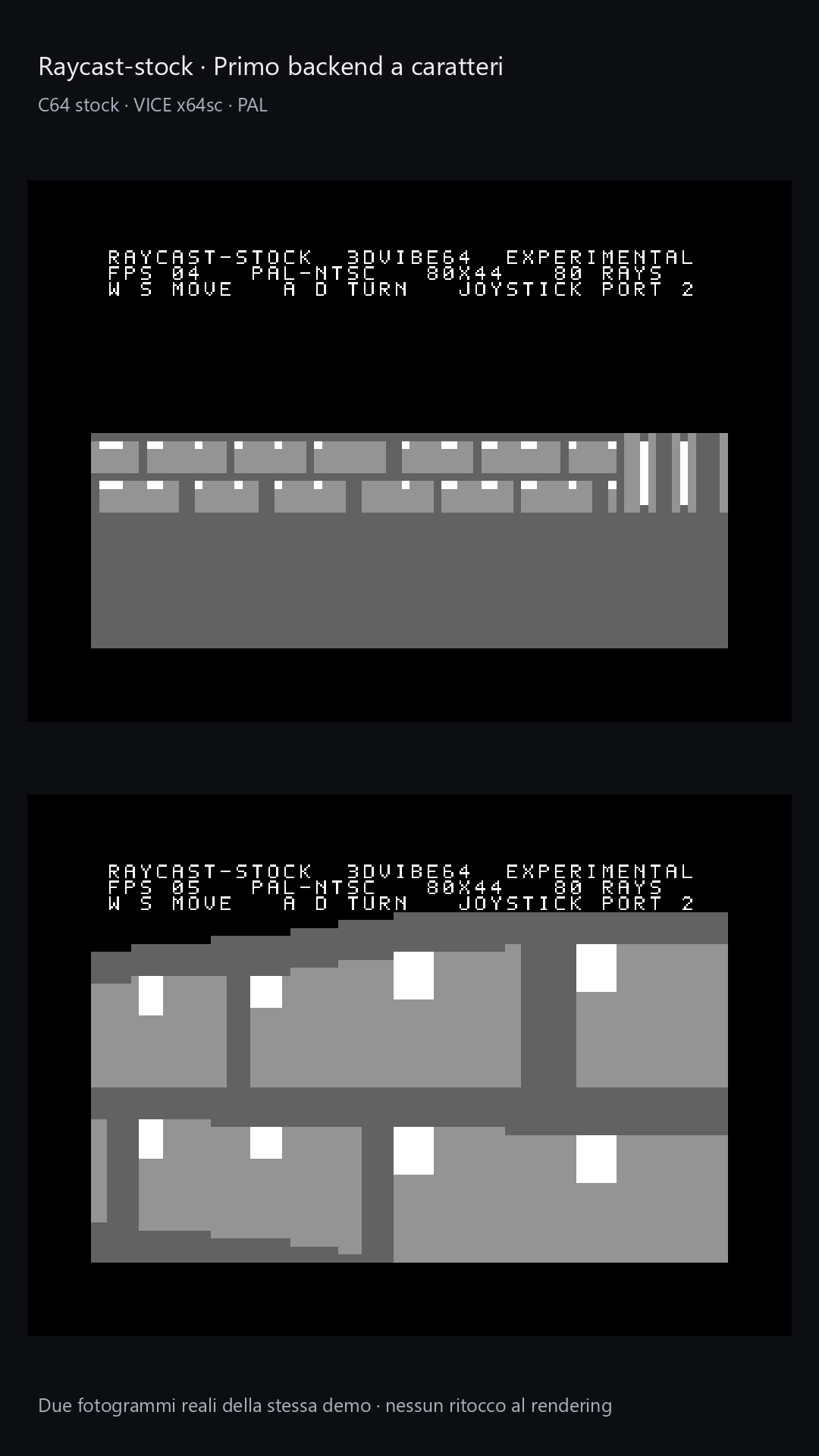
The first tests used very simple textures. As the project evolved, its visual direction shifted towards clean surfaces, colors and contrasts that could evoke the appearance of a polygonal engine. Walls and passages are defined mainly by their shapes, color differences and visible thickness. The current pipeline uses a multicolor bitmap at 128×144 logical pixels, with different pigments according to wall orientation and a dither pattern for the ceiling.
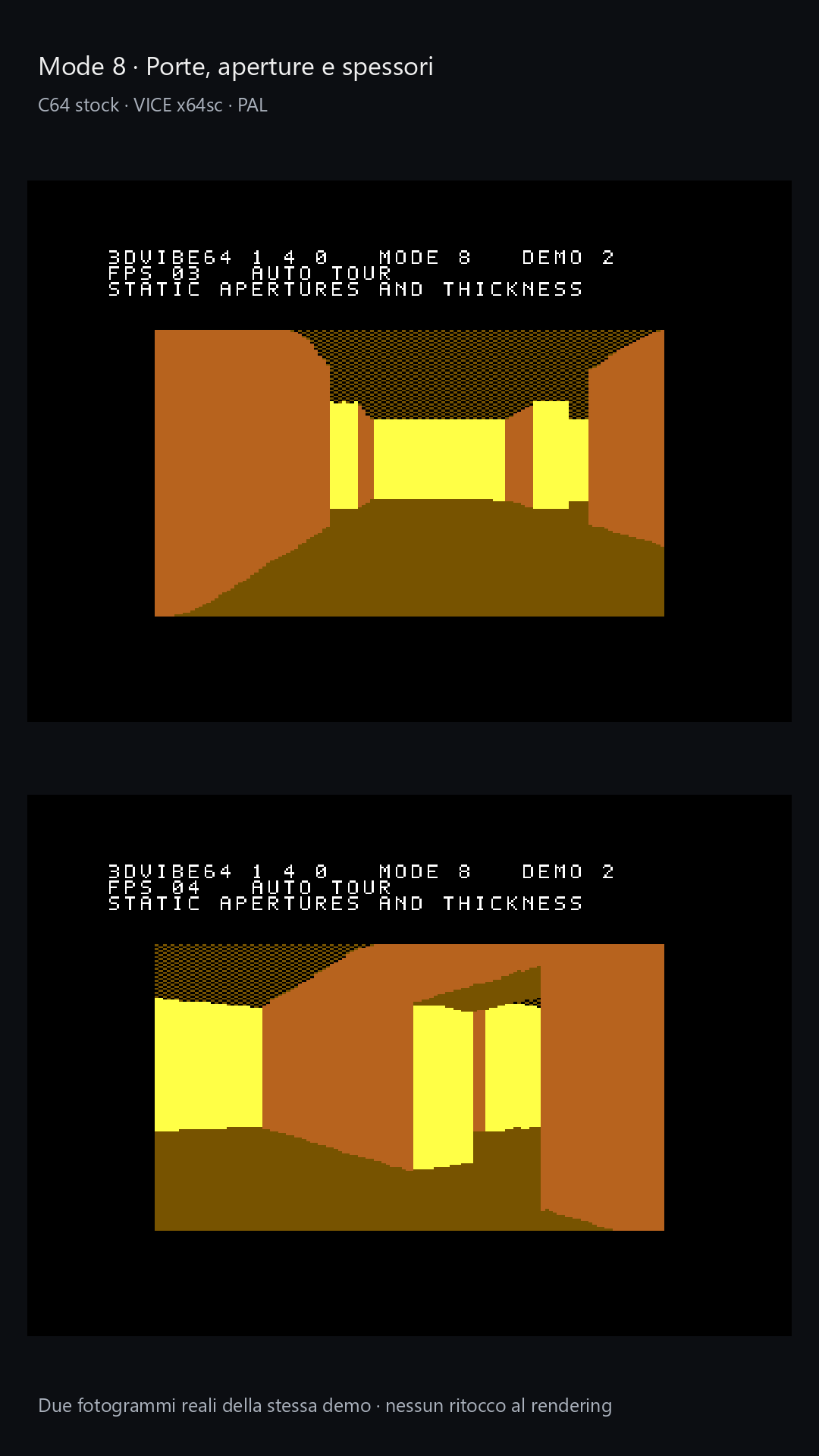
This is how Mode 8 was born. Maps can include walls, doors, openings with lintels and thickness, and—in the dedicated multilevel path—different elevations connected by ramps. Movement remains continuous, while the construction of environments follows the pipeline’s constraints. Multilevel rendering uses a heightfield structure: floors and ceilings depend on map cells, with sloping connections in supported configurations. Freely stacking rooms in the same space, known as room-over-room, remains unsupported.
It also became necessary to distinguish workloads within Mode 8. Single-level environments and those with different elevations use two separate backends. Simpler scenes can therefore rely on a path suited to their characteristics, without inheriting all the costs of multilevel handling. This decision had a tangible effect on development: keeping a specialized renderer for environments that permit it proved more effective than using a single general-purpose path with selected features pared back.
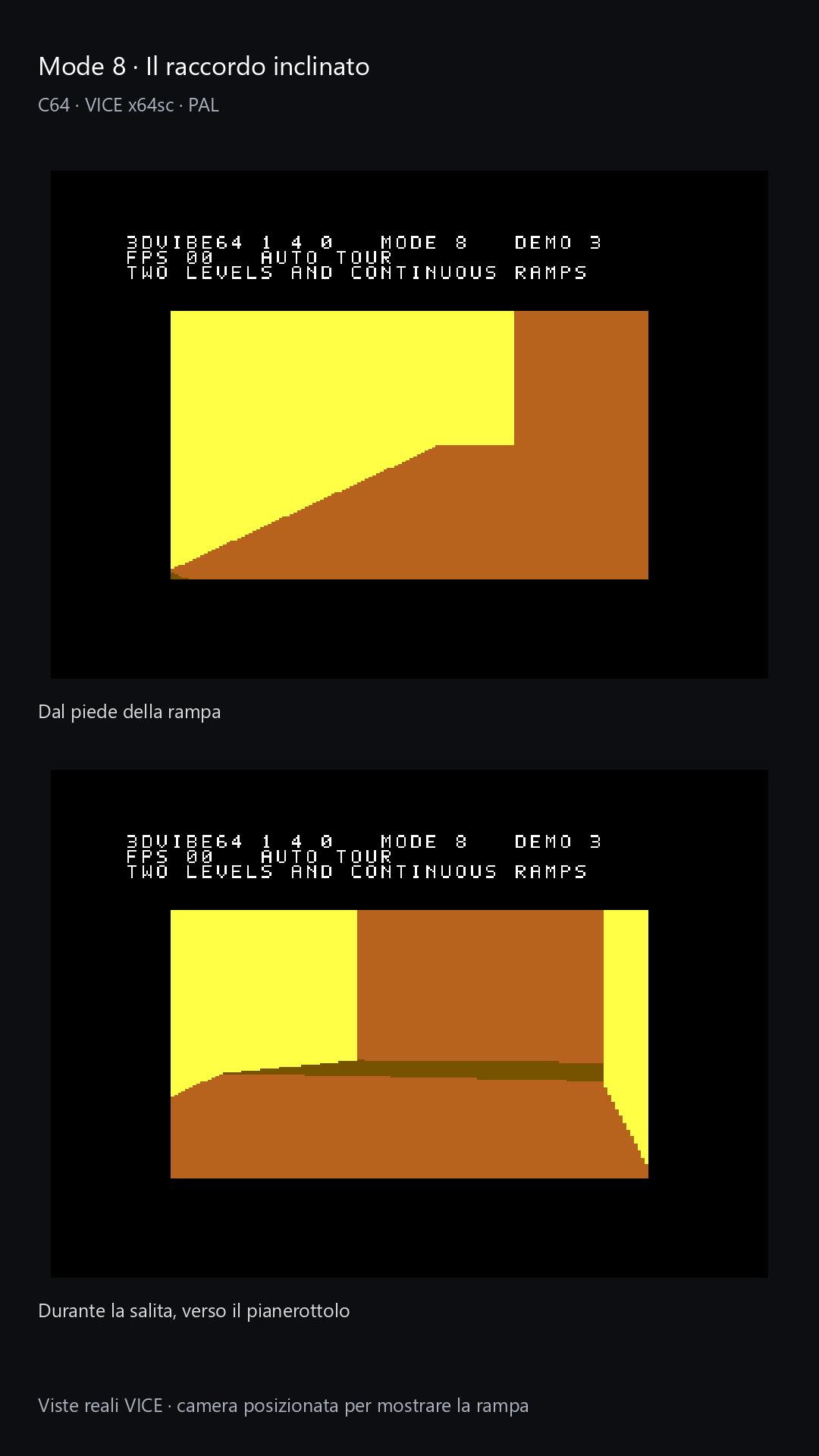
The search for performance also showed how much map construction matters. An apparently simple space can require a great deal of work when the view extends over long distances or encounters many discontinuities. In multilevel environments, openings and successive surfaces can increase the number of events to process and profiles to prepare. The analysis tools developed during the project help identify these viewpoints and assess their cost. Environment design thus becomes part of the optimization process, with results to be checked along the demo’s actual route.
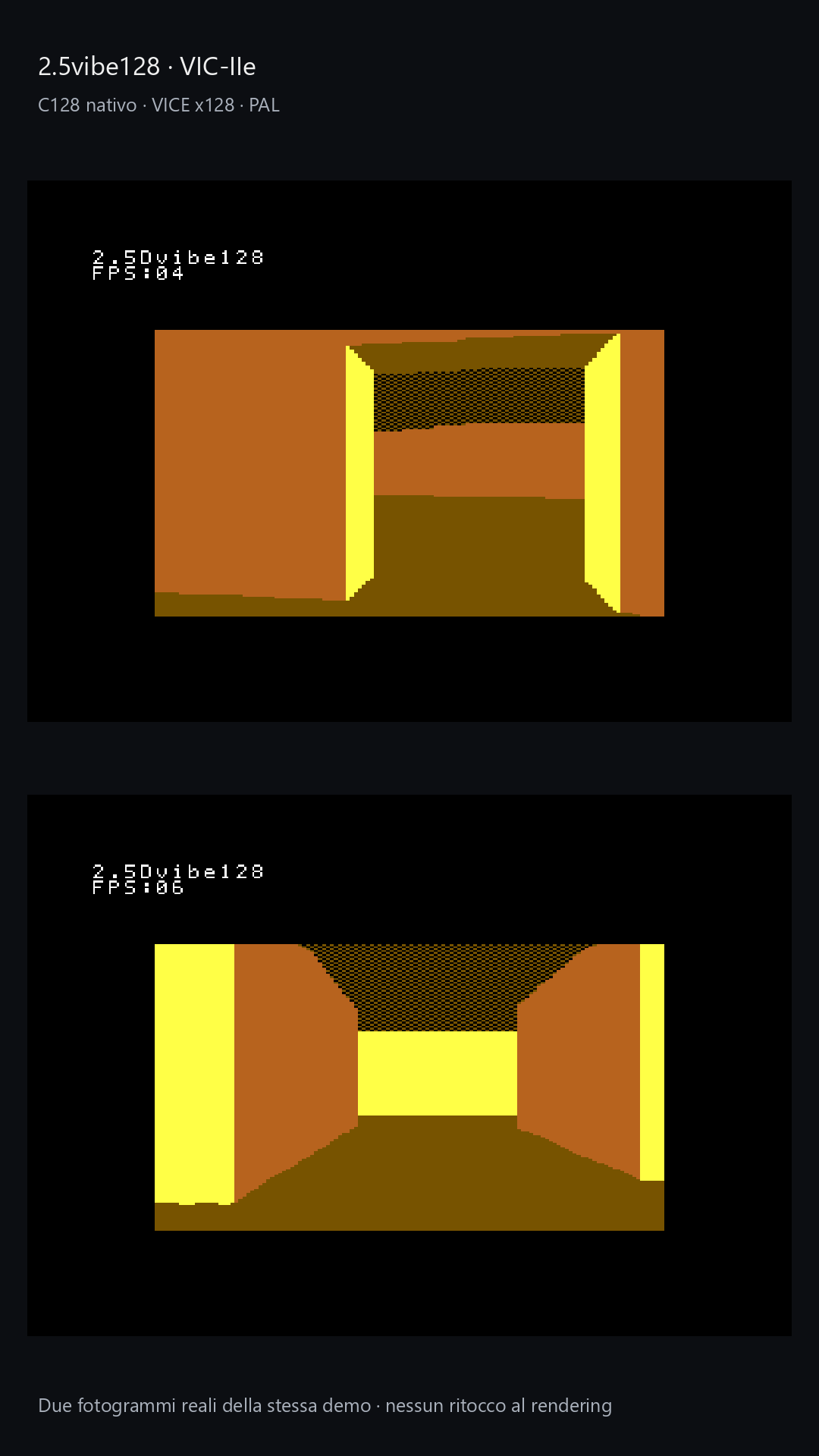
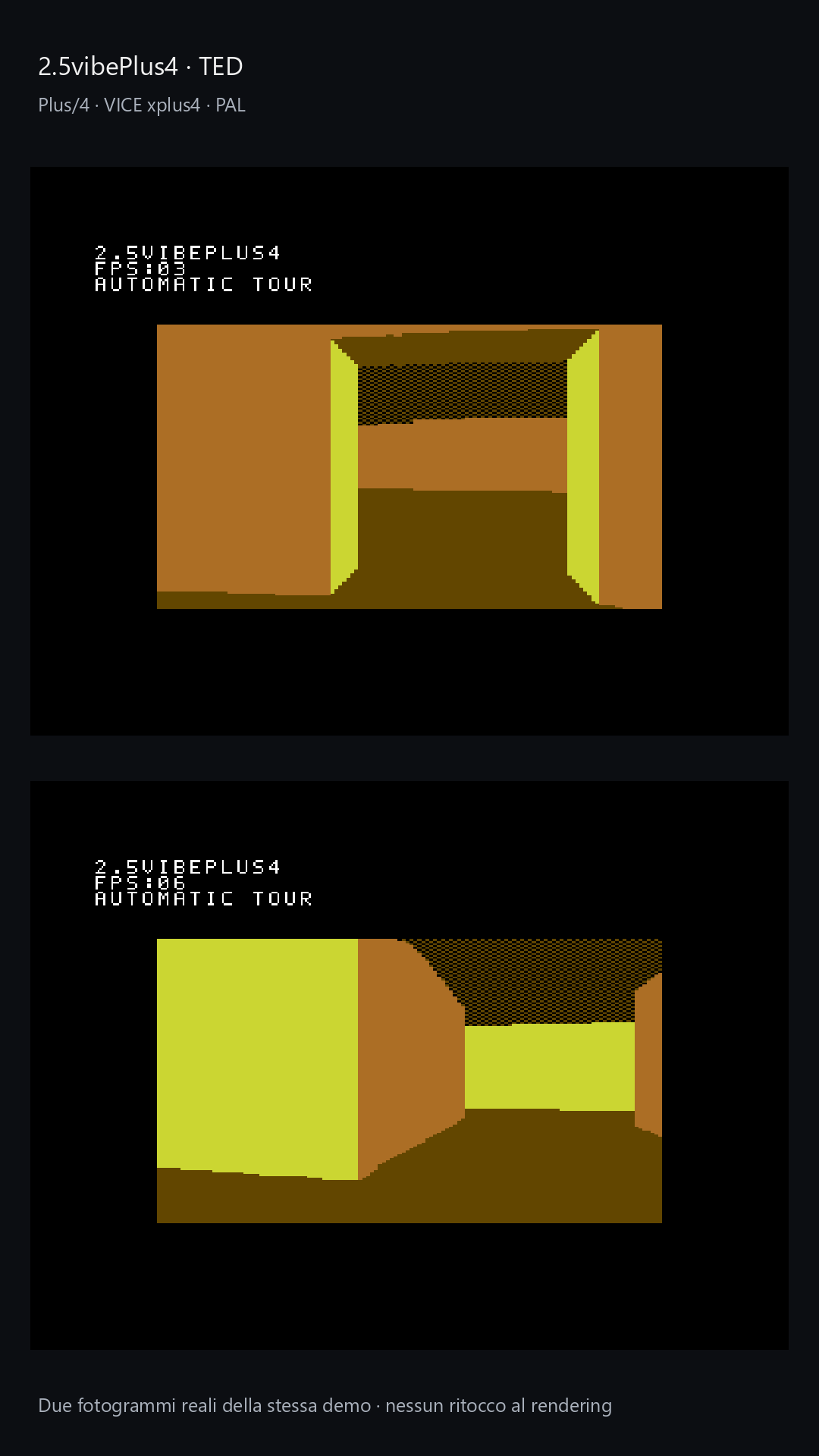
The results eventually suggested porting this pipeline to two other Commodore 8-bit machines: the C=128 and the Plus/4. Both showed better performance in emulation tests, taking advantage of their respective opportunities to run at higher clock speeds than the stock C=64 under certain circumstances. This is an interesting extension precisely because it requires adapting the work to each machine’s characteristics while retaining the 2.5D pipeline’s approach.
On the C=128 with VIC-IIe, 2 MHz is used during the portions of the frame compatible with the display. On the Plus/4, the different relationship between CPU clock speed and TED video accesses comes into play. The computing time actually available therefore depends on how the whole system operates during the demo.
The dedicated distributions are 2.5vibe128 and 2.5vibePlus4. Their repositories contain source code, documentation and demos, including automatic and interactive versions.
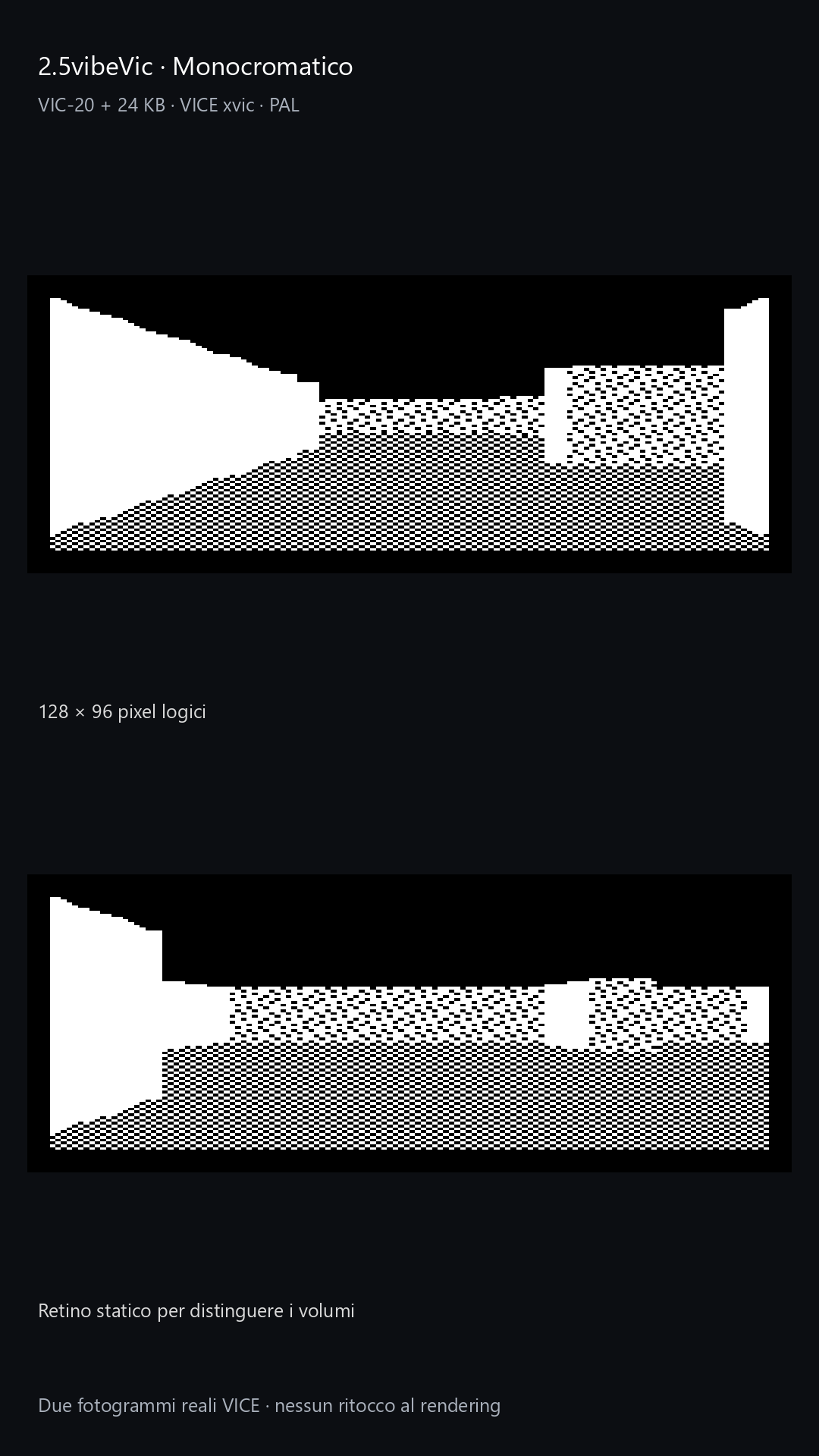
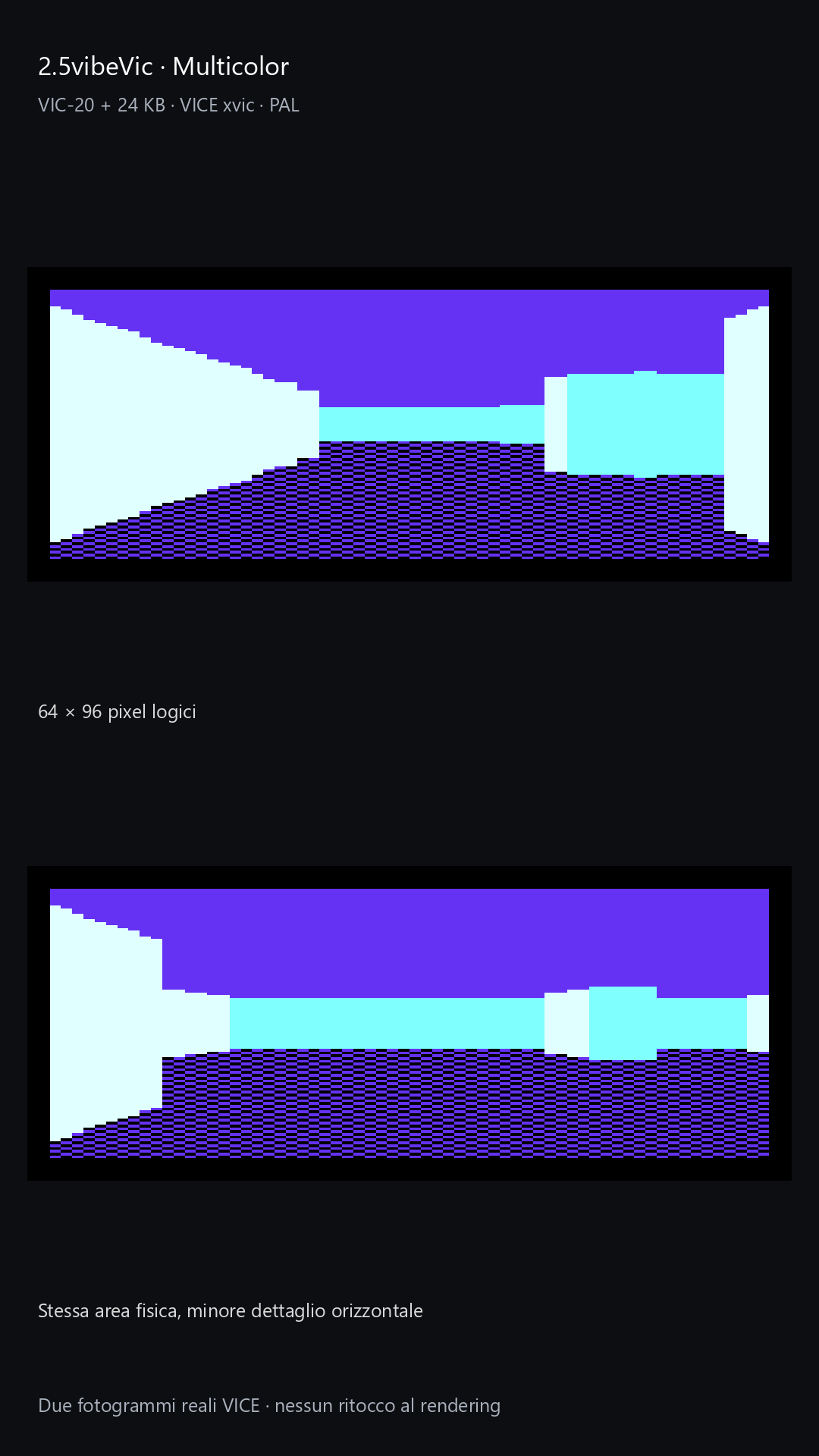
The family then expanded to the VIC-20 with 2.5vibeVic. Here the pipeline is more basic: a single level, walls of uniform height and full-height passages, without lintelled doorways or ramps. A 24 KB RAM expansion is required, with the three 8 KB blocks mapped to $2000–$7FFF; the unexpanded VIC-20 is not the target of these demos. Two renderings of the same physical area are available: monochrome at 128×96 logical pixels, with more detail, and multicolor at 64×96, with less horizontal detail but distinct colors. Source code, PRGs and bilingual documentation are included in the repository.
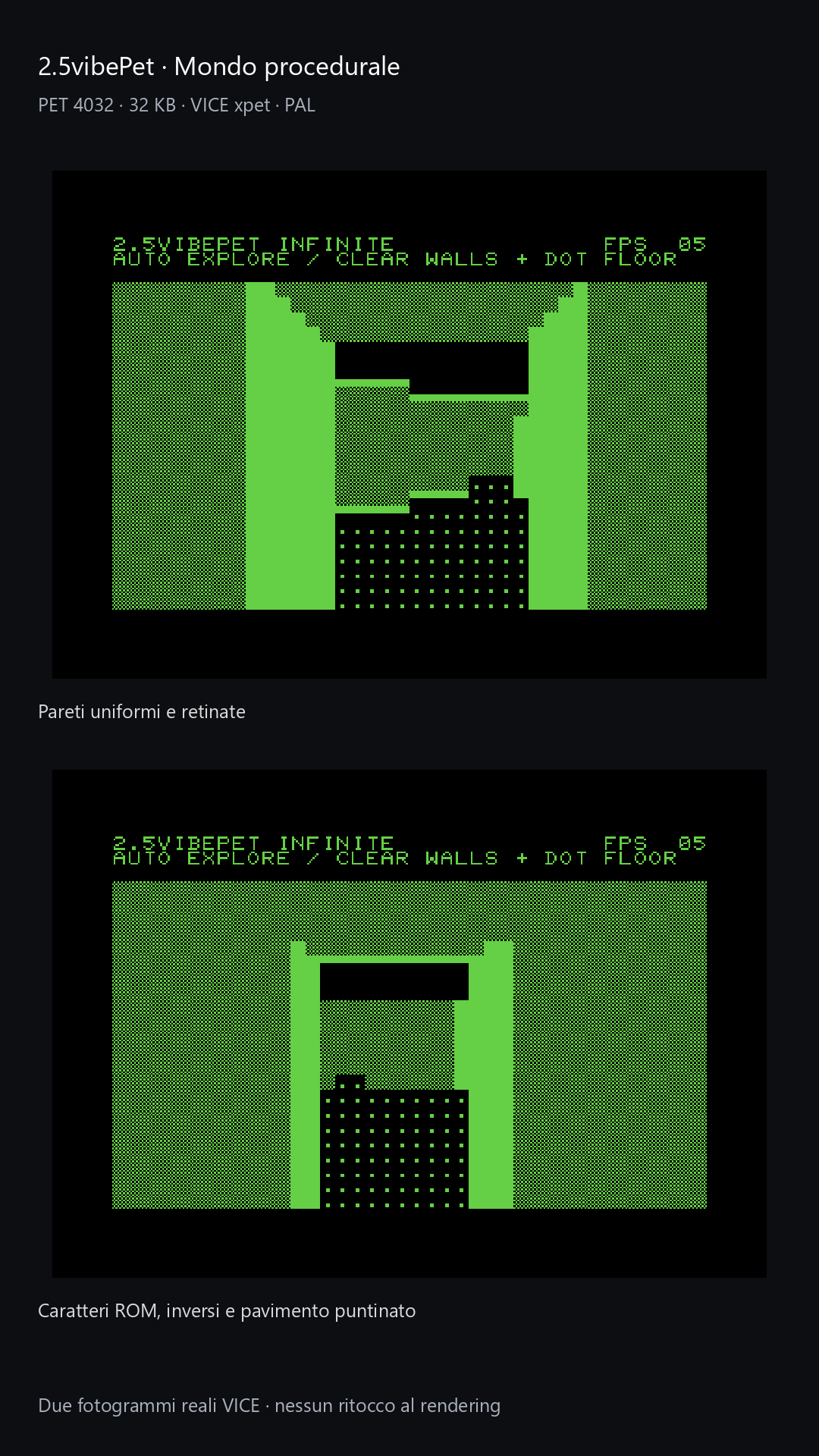
Another, quite different adaptation is 2.5vibePet, intended for the PET 4032 with 32 KB of RAM. The view uses ROM characters and their inverse forms: solid and patterned walls distinguish orientations, while the dotted floor separates the walking surface from the volumes. The demo continuously explores a procedural world, keeping only a local window of the map in memory. This distribution also includes automatic and interactive demos, source code and bilingual documentation. The images show execution in VICE: they do not constitute verification on real hardware.
These ports continue the same investigation that has accompanied 3Dvibe64 from the beginning: understanding which operations should be prepared in advance, which should be calculated at runtime and how to turn hardware characteristics into recognizable graphical choices. AI has provided a tool for tackling this research and exploring it through many attempts. On screen, however, the result still depends on how well the code uses the Commodore’s time and memory. It is precisely this stubbornly tangible reality that still makes it exciting to see a three-dimensional world take shape on an 8-bit machine.